

By Zeeshan · Last updated November 13, 2026
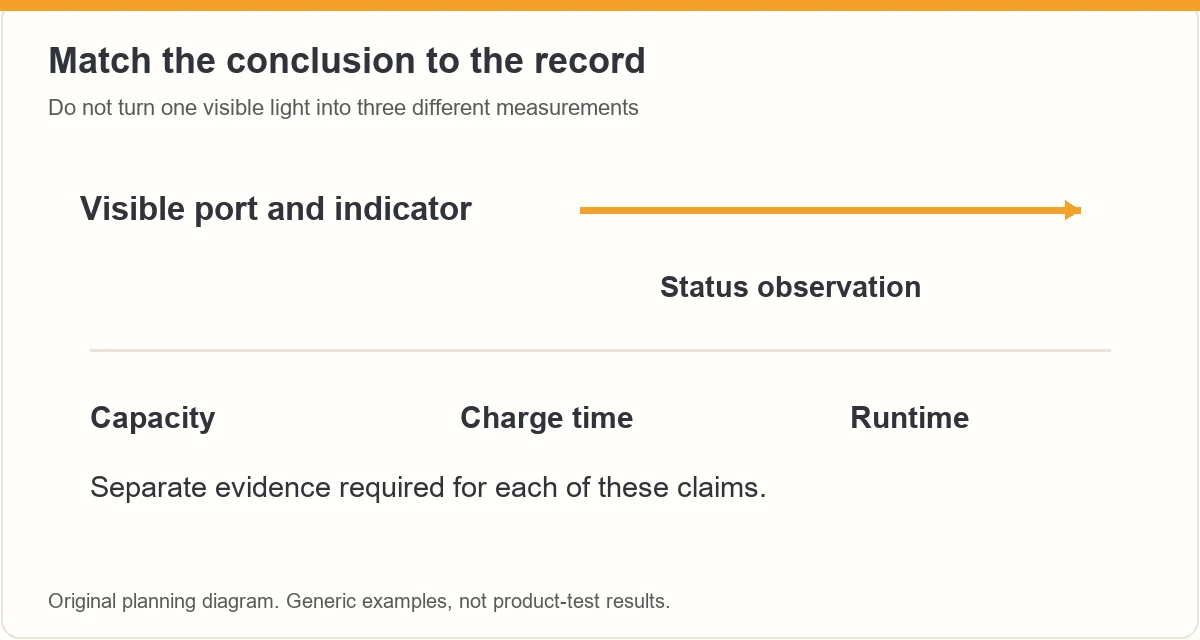
Direct answer: Show the exact product, its permitted charging setup and the indicator clearly. Explain the indicator using the model instructions, and distinguish that stated meaning from what you directly observed. A plugged-in cable or illuminated light does not establish battery capacity, charging speed or runtime.
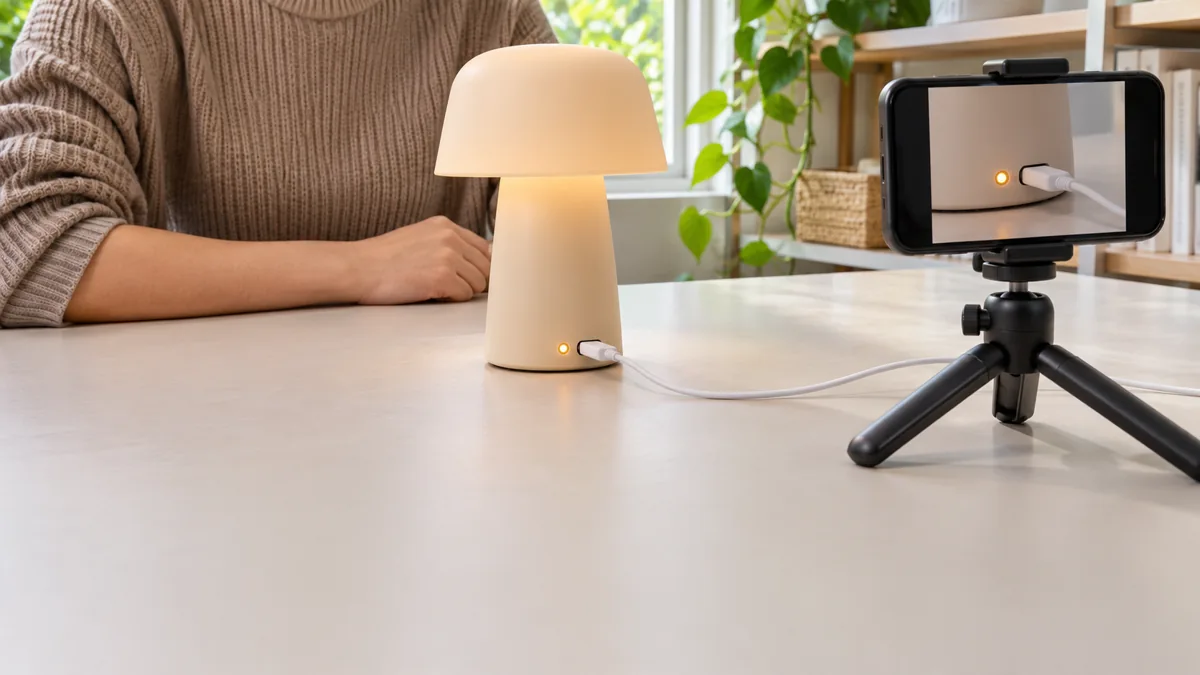
A tiny light beside a charging port can answer a useful everyday question. It can also invite a much larger claim than the footage supports. The useful review shows where the connection goes and how the status is communicated, while keeping a brief visual observation separate from a timed battery evaluation.
For help choosing a useful demonstration question, explore the current ACE training page. This guide covers filming status, not repairing batteries or testing chargers.
Table of Contents
What charging question does the shopper need answered?
Start with a visible, ordinary-use question: where is the port, can you see the indicator in the normal position, or how does the manual say the status changes? Those questions can often be answered without a full battery-duration experiment.
Choose the exact model you can identify and inspect. If you are still picking a demonstration, our short-review guide helps separate a useful question from a broad product tour. Do not use this filming plan to infer electrical compatibility.
What should you verify before recording?
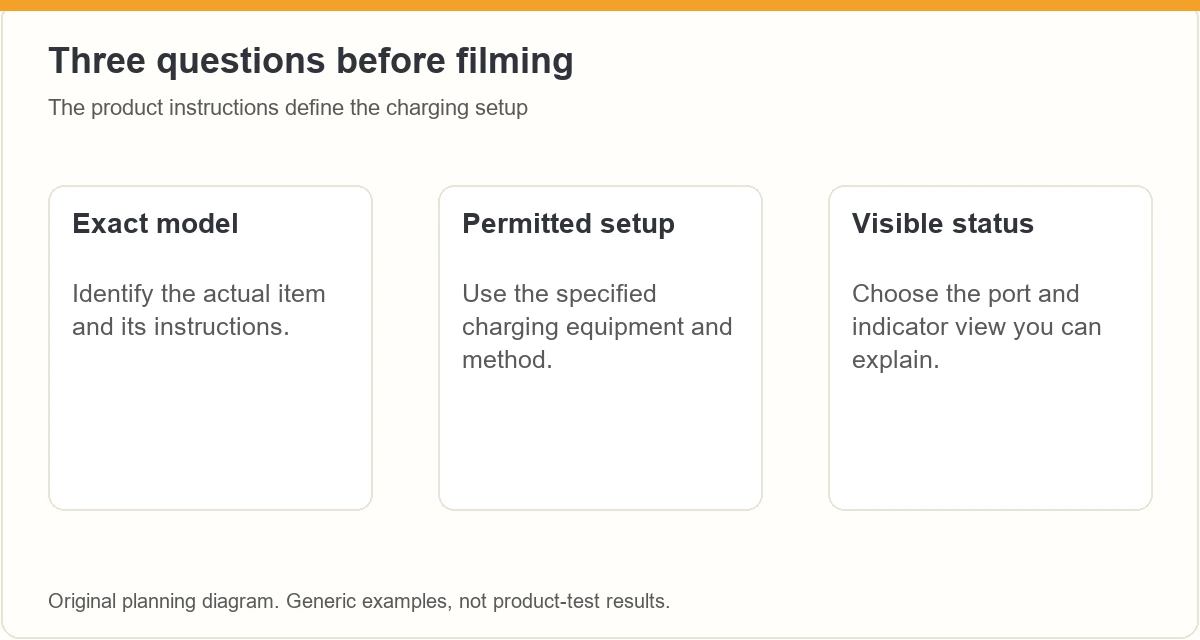
Read the actual charging instructions and follow the supplied setup. Keep the specified cable, charger and product identity with your filming notes. A connector that fits is not enough to establish that the combination is appropriate.
Health Canada advises following manufacturer charging instructions, using an appropriate charger and avoiding damaged batteries. Its guidance also recommends charging where you can see the device on a suitable surface. Stop a demonstration when the product or instructions raise a safety concern; do not improvise a repair for the camera.
- Check the exact model and charging directions.
- Keep the work area clear and the connection visible.
- Avoid damaged, modified or unfamiliar equipment.
- Do not open a battery compartment that is not intended for normal user access.
How do you make a small indicator readable?
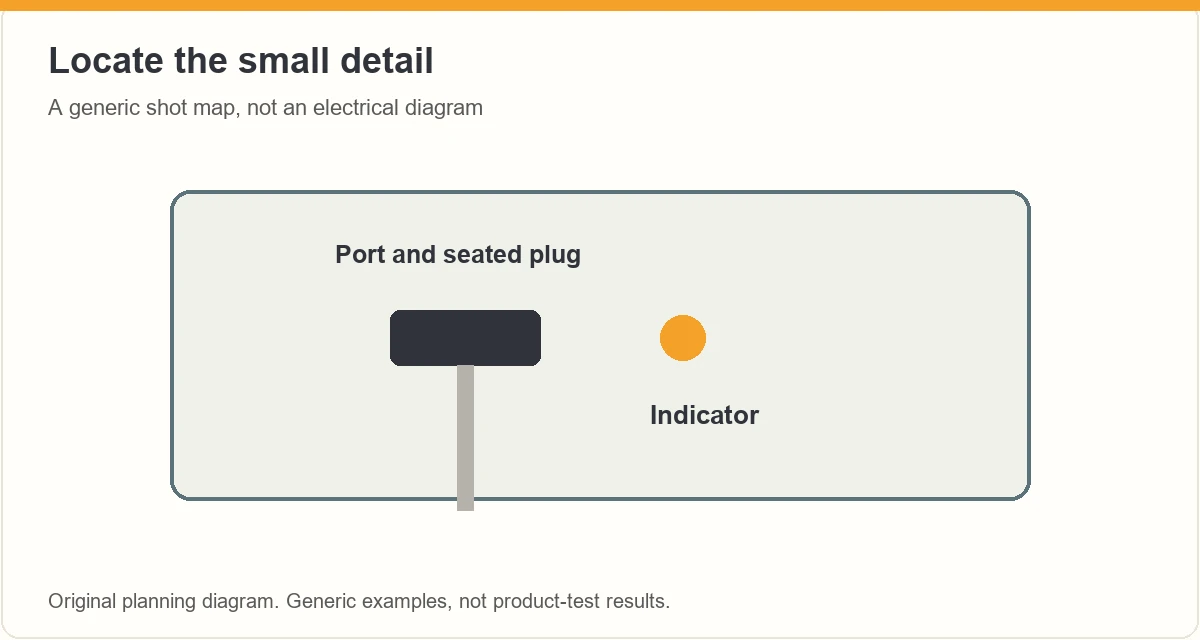
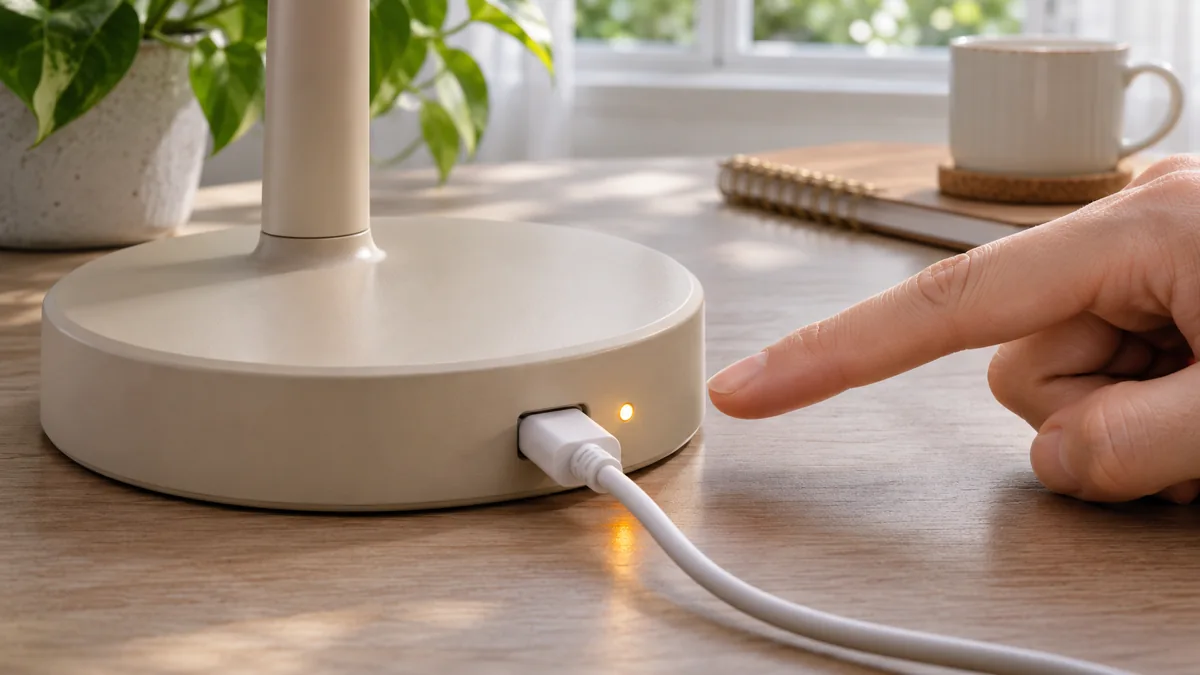
Begin with a wide view locating the port, then move to a detail that includes the seated connector and indicator. Keep the phone stable and check that focus favors the small feature rather than the hand beside it. Place the camera before operating the product.
| Question | What to show | What it does not prove |
|---|---|---|
| Where is the port? | Port position on the exact item | Compatibility with every cable |
| What can I see? | Actual light or display behavior | Its meaning without the manual |
| What does the manual say? | Accurate attributed explanation | Your own capacity measurement |
Adjust the viewing angle or surrounding light if the indicator disappears in glare. See our reflection guide for filming small visible details. Do not recolor or add a status light in the edit.
How should you explain the indicator meaning?
Separate three things: what the manual states, what the camera shows and what you have not measured. For example, a hypothetical script might say: “The instructions identify this steady light as charging; this clip shows that light. I have not measured a complete charging cycle.” Use it only when the real instructions and observation support it.
Colors and flashing patterns vary. Do not treat an amber light in the editorial illustration as a universal charging convention. If the instructions are unavailable, describe the visible behavior and omit the unverified interpretation.
When is a separate timing record necessary?
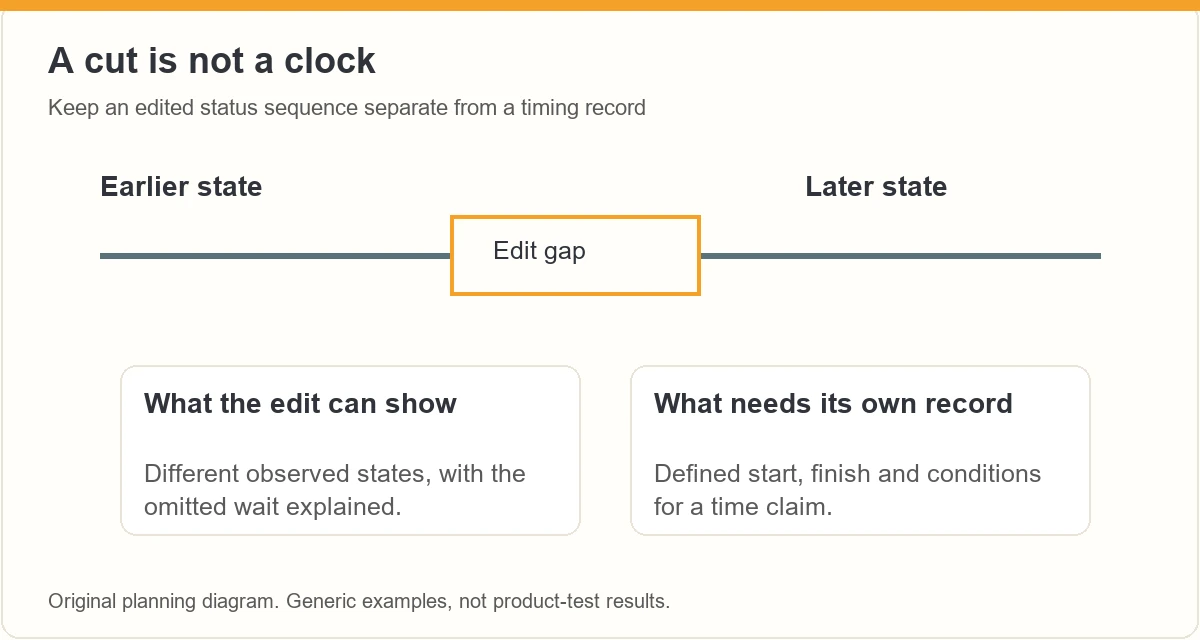
A charging-time or runtime statement needs a defined start, finish and operating conditions. The length of the edited video cannot supply those facts. Keep any such evaluation separate from this brief status demonstration and do not imply you performed it when you did not.
If a transition skips a waiting period, identify the gap. A later shot of a different indicator state can show that state, but without a reliable record it does not establish how quickly the change happened. Our product-version comparison guide explains why different conditions complicate comparisons.
What should the spoken explanation include?
Name the visible feature and explain the relevant limit while the viewer can see it. The W3C visual-description guidance is useful when planning essential narration. “The light beside the port is now steady” conveys more than “it is ready” when readiness has not been verified.
Avoid promising fast charging, all-day use, universal charger support or battery health from this footage. If you cite a manufacturer specification, identify it as their specification rather than your own result. Keep any important conditions beside the claim.
What belongs in the final status-video check?
- The model and normal setup are clear.
- The port and indicator can be seen at phone size.
- The narration distinguishes instructions from observation.
- No edit implies an unrecorded charging duration.
- The conclusion does not invent capacity, runtime or compatibility.
Amazon’s product-video guide supports focused planning and useful demonstration. It is not a battery-testing method or a creator-acceptance promise. Check the final export, including the captions, against the exact modest question you set out to answer.
Frequently asked questions
Does a charging light prove that the battery is full?
Only use the meaning documented for the exact product and state shown. A light by itself does not establish measured capacity, battery health or runtime.
Can I call a cable compatible because it fits?
No. Follow the product instructions and specified charging setup. Physical fit alone does not verify an appropriate electrical combination.
Can I cut out the waiting period?
You may shorten uneventful footage if you explain the gap. Do not let the edit imply a measured charging time or uninterrupted recording that did not occur.
Should I film a damaged battery to finish the guide?
Do not continue an ordinary-use demonstration with damaged or questionable equipment. Follow the manufacturer and relevant safety guidance instead of improvising a repair or stress test.
What should you do next?
Keep the charging demonstration specific: identify the item, show the connection and describe the verified status. Leave charging speed and runtime for a separate evaluation with the records those claims require.
ACE from Zonbase is an Amazon product research agent for creators. It shows which products have real demand and few existing videos, then helps you plan what to film and say. Start the free ACE training to plan your next review video.
For more on this, see film product controls and mode changes and film product cleaning.
Turn a visible detail into a useful question
Explore ACE training for the broader creator workflow. Build the actual demonstration around the product instructions and evidence you can supply.
ACE is separate from Amazon. Training does not guarantee Amazon acceptance, placement or earnings. Check the current page for availability and offer details.
