

By Zeeshan · Last updated October 28, 2026
Direct answer: To film product assembly for an Amazon review video, show the starting parts and required tools, keep the buyer-critical steps visible, and finish with the product in ordinary use. Explain any preparation, repeated assembly or cuts. The length of an edited video is not evidence of the total setup time.
The finished organizer looks simple. The useful part of the video may be the ten seconds before a shelf lines up with its side panel. If the edit jumps straight from loose pieces to a completed product, the shopper still cannot tell whether the job needs patience, an extra tool or another pair of hands.
For help turning a setup question into a filming plan, explore the current ACE training page.
Table of Contents
Which assembly question are you answering?
Choose a practical question before pressing record. Does the shelf slide into a slot or need screws? Can the connector be reached once another panel is attached? Is the included tool comfortable enough to use? A clear question gives the close-up a purpose.
A setup demonstration is different from a full instruction manual. Explain your experience with the exact item while following its supplied instructions. Do not improvise an alternative construction method just because it looks better on camera. For a first project, a small unpowered desk organizer is easier to show than furniture, electrical equipment or an installed product.
Our guide to choosing a useful short-review question can help narrow the subject. The goal is a visible answer, not a montage of every part in the box.
What should you prepare before filming?
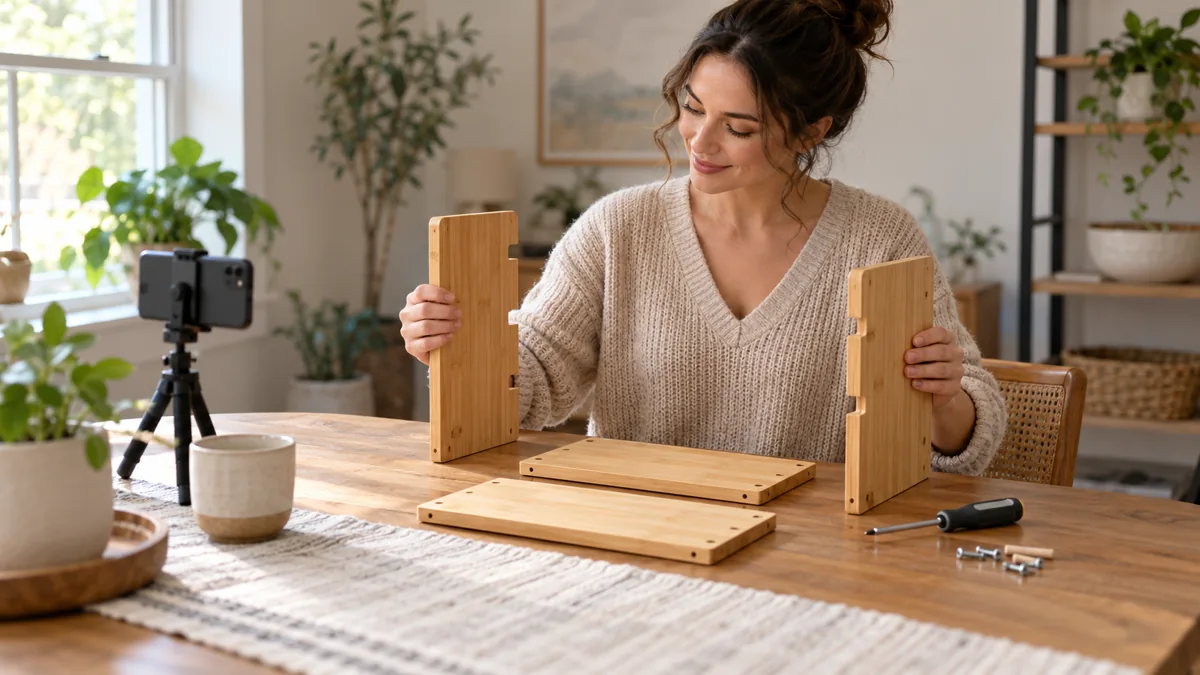
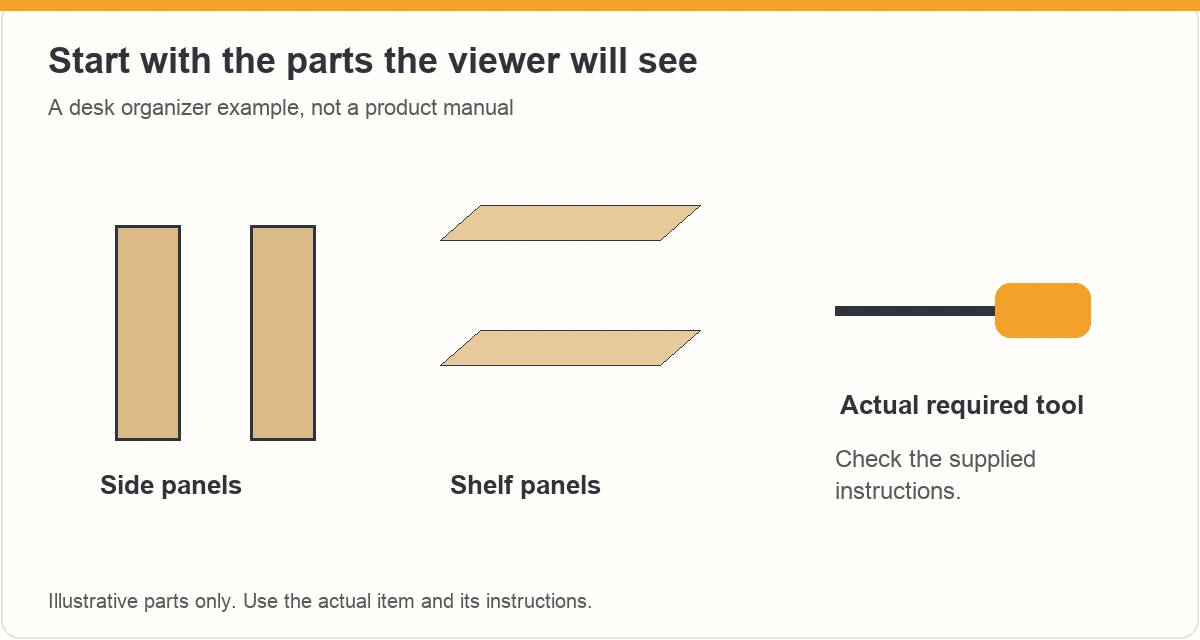
Read the actual instructions and check the listed parts. Keep the manual nearby. Identify the tools supplied and any additional tool the manufacturer calls for. Arrange the parts so the viewer can understand the starting state without seeing addresses, order details or unrelated packaging.
- Decide whether this is your first assembly or a later demonstration.
- Frame the work surface before opening small hardware packets.
- Place loose pieces in a shallow container so they stay visible and contained.
- Record the starting parts and the tool you will actually use.
- Check that the phone support cannot tip into the work area.
Keep filming preparation separate from assembly preparation. Setting a camera angle in advance is sensible. Pre-fitting a difficult joint changes the experience you can describe. If you already assembled the item once, say so instead of presenting the second attempt as a first impression.
How do you keep the difficult step visible?
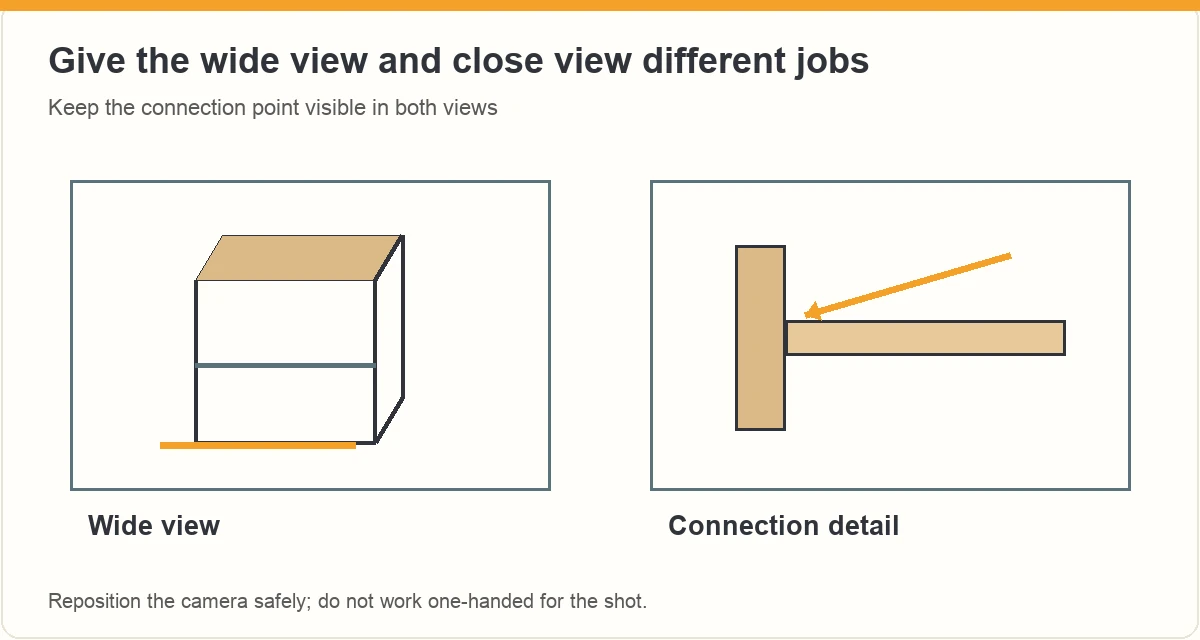
Use a stable wide view to preserve the sequence, then a closer view when the hand action needs explaining. Keep the connection point in the frame. A close-up of your fingers is not useful if they cover the slot, fastener or latch the whole time.
| Shopper question | View to record | Detail to preserve |
|---|---|---|
| How do the parts align? | Angled close view of both edges | The position before they join |
| Can I reach the fastener? | Normal working position | Hand and tool clearance |
| Does the panel seat fully? | Continuous connection shot | The final gap or stop point |
| What happens afterward? | Wider finished-use view | Ordinary operation, not a staged pose |
If a step needs both hands, place the camera first. Stop to reposition it rather than working one-handed for the shot. A repeat close-up can clarify the action, provided you identify it as a demonstration instead of treating it as evidence of the original build time.
What should you say about cuts and assembly time?
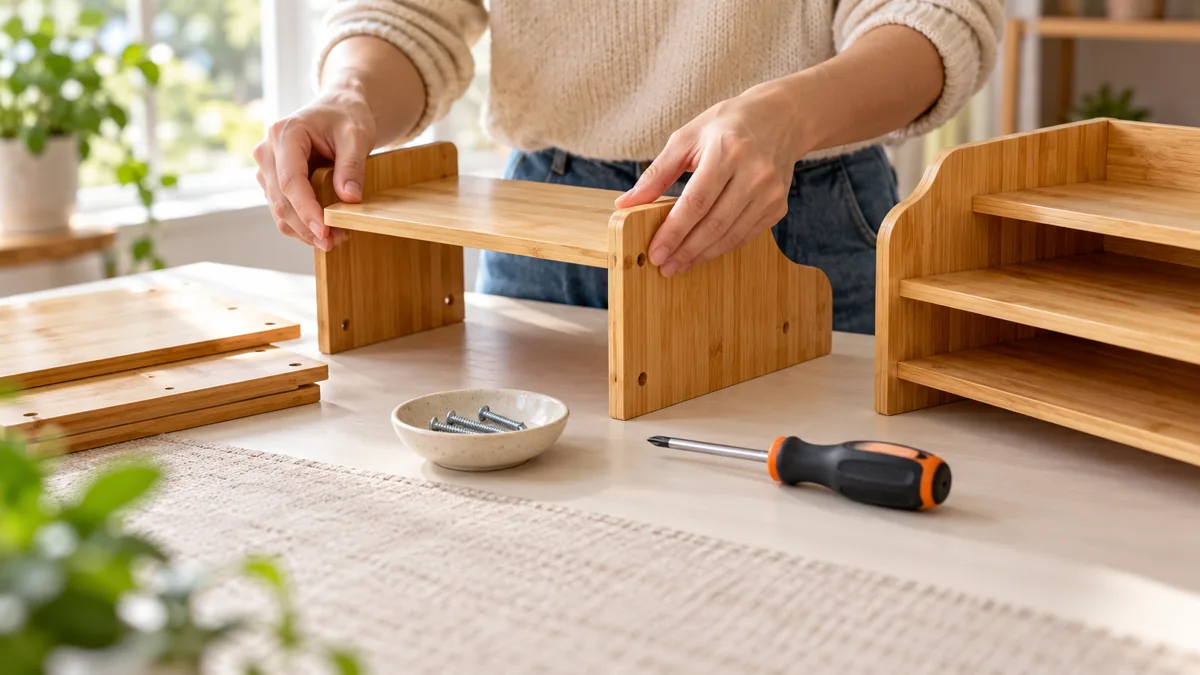
Cut repetition when it helps the viewer, but explain what the cut removes. A line such as “I repeated the same fastening step on the other side” is useful only when that is what actually happened. Keep a difficult adjustment in the edit when it changes the buyer’s understanding.
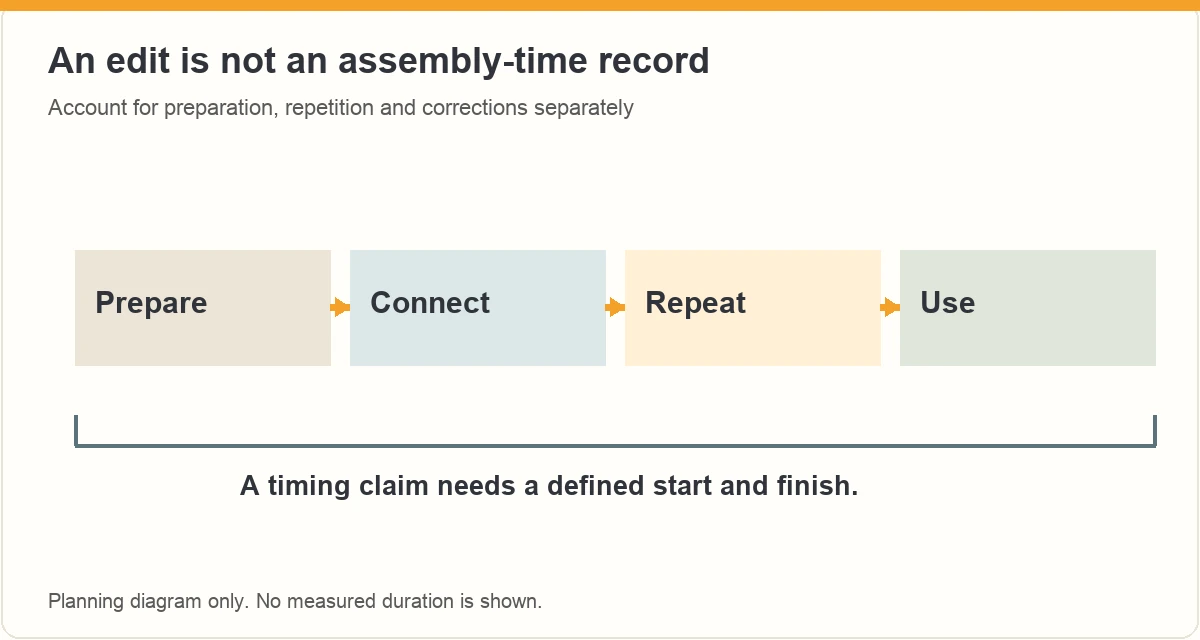
If you quote a total time, define the start and finish and use a record of the whole process. Explain whether reading the manual, finding tools and correcting a mistake were included. Do not use the duration of a sped-up clip as an assembly-time claim.
For example, a second filming session after a practice build answers “how the parts connect.” It does not show how quickly a first-time user will finish. Both can be helpful videos when the description matches the recording.
How should the finished product be demonstrated?
Show the completed item in its intended position and perform a simple ordinary action within the manufacturer’s instructions. For a desktop organizer, show the compartments and how you reach the objects placed inside. Leave the relevant edges visible.
A completed assembly does not establish a load rating, long-term strength or suitability for every installation. Quote a manufacturer’s specification as their specification if it matters, and keep its conditions. Do not stage an improvised stress test to make the ending more dramatic.
Amazon’s product-video guidance includes ease of use and assembly among useful subjects. It is seller guidance, not proof that a particular influencer upload will be accepted. A concrete setup demonstration remains more informative than calling the product effortless.
How do you describe problems fairly?
Separate what you observed from what you suspect. “I had to turn this panel around before it lined up” describes an event. “Every unit has a manufacturing defect” needs different evidence. Recheck the manual before deciding that a spare screw is missing hardware or that a part was designed incorrectly.
Show the limitation without exaggerating it. If you stopped before finishing, explain where and why. Do not stage a successful ending with a different item and let the viewer assume it is the same build.
The FTC’s endorsement guidance calls for real experience and supported claims. Identify a relevant brand relationship when required. Editing should make your experience easier to follow, while preserving the part that matters to the shopper.
What belongs in your final assembly-video check?
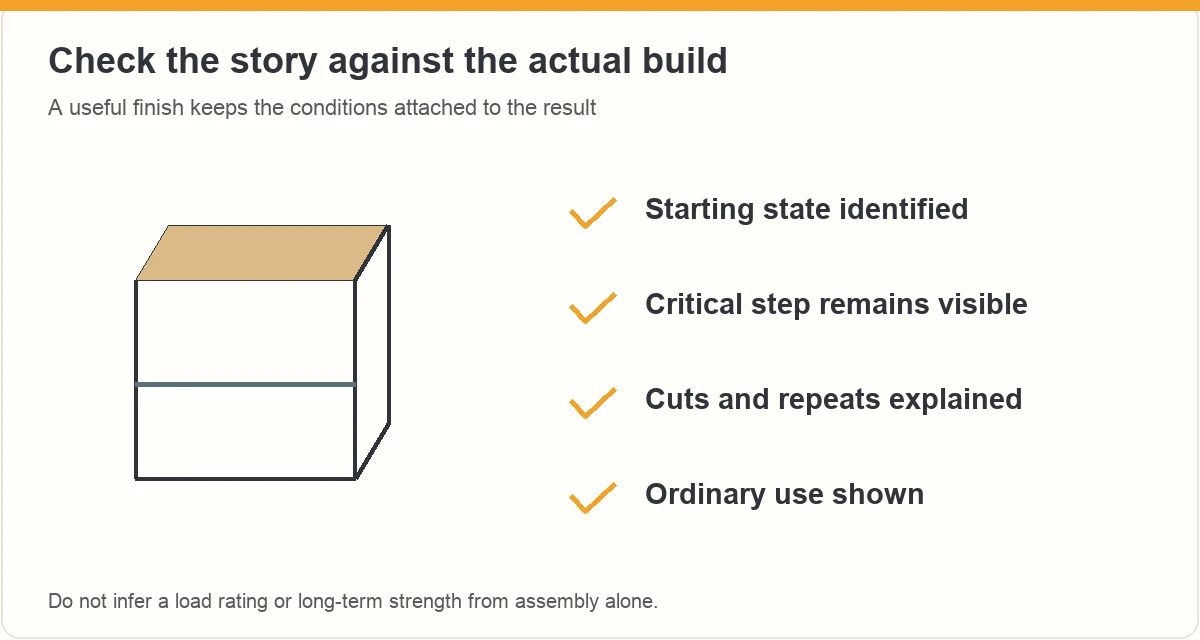
- The exact item and starting state are clear.
- Tools and preparation are described accurately.
- The critical alignment or connection is visible.
- Cuts and repeated demonstrations are explained.
- Any quoted time has a defined start and finish.
- The ending shows ordinary use within the product instructions.
Watch the exported video on a phone. If the important joint is too small, record one useful close-up instead of adding more wide footage. Use the script-structure guide to put the explanation beside the matching action.
Frequently asked questions
Can I assemble the product before filming?
Yes, but describe the footage as a later demonstration if you already learned the process. Keep a note of your original experience while it is fresh. A practiced close-up can explain a joint clearly; it should not be presented as proof of a first-time assembly speed.
Do I need to show every screw being tightened?
Show enough of the sequence to explain the method and any meaningful difficulty. You can shorten repeated steps with a clear explanation. Keep an unusual connection, required adjustment or awkward tool position visible when it affects the question the shopper needs answered.
Can I use a time-lapse for the whole assembly?
A time-lapse can provide an overview, but it may hide the action that explains a difficult step. Pair it with normal-speed detail where needed. Label speed changes and use a separate complete timing record if you make a claim about the total assembly time.
What if the product cannot be finished on camera?
Describe the stopping point and the reason accurately. Check the manual before calling something defective or missing. A clear account of the limitation can still be useful. Do not force a part, disregard instructions or substitute another completed unit without explaining the change.
What should you do next?
Choose the one connection that decides whether the setup makes sense. Show its starting position, the action and the result, then give the shopper the conditions they need to interpret it.
ACE from Zonbase is an Amazon product research agent for creators. It shows which products have real demand and few existing videos, then helps you plan what to film and say. Start the free ACE training to plan your next review video.
For more filming techniques, see how to show product size and fit, film reflective products and record product noise in Amazon review videos.
Plan the step a shopper needs to see
Choose one assembly question, then plan the wide view and close view that answer it. ACE training offers a guided starting point for organizing a product video.
ACE is separate from Amazon. Training does not guarantee Amazon acceptance, placement or earnings. Check the current page for availability and offer details.
