

Table of Contents
Breaking the Single-Video Bottleneck
For creators in the Amazon Associates Program, the transition from earning occasional commissions to building a predictable income stream comes down to one metric: output consistency.
However, most creators hit a production ceiling. Producing videos one by one—researching a single item, writing one script, filming five minutes of footage, editing clips in CapCut, and posting—takes anywhere from one to two hours per video. At that pace, creating three videos a day requires full-time effort, leading to creator burnout.
The ACE (Affiliate Content Engine) Batch Production Method solves this efficiency bottleneck. By grouping identical production tasks together, you can film B-roll for five products in a single afternoon and output up to 15 unique, high-converting video reviews per week without sacrificing quality. In this guide, you will learn how Amazon Associates can deploy the ACE batch production framework, maintain strict compliance, and multiply their affiliate video output.
Prerequisite Gate: When Should You Start Batching?
Batch production is a tool for scaling proof, not multiplying guesses. Before attempting to mass-produce content, ensure you have met two mandatory milestones:
- 30 Days of Consistent Execution: You have actively published review videos using your smartphone, CapCut, and SiteStripe tracking links for at least a month.
- Proven Conversion Signal: You have at least one winning video in your tracking sheet that generated real clicks and qualifying Amazon purchases.
Golden Rule of Batching: Fifteen rushed, unhelpful videos will always lose to five clear, problem-solving reviews. Prove your video format converts manually before building a batch production line.
The Non-Negotiable Rule: Every Video Stays Real
The ACE system strictly forbids shortcutting production with synthetic AI tools. To protect your Amazon Associates account and Amazon Influencer Storefront, adhere to these fundamental standards:
- Real Hands-On Footage: You must film real physical products in your hands.
- No AI Avatars: Never use digital AI avatars pretending to hold or use products. Fully synthetic product content risks immediate account termination because Amazon requires authentic product demonstrations.
- No Stock Video Scraping: Never download footage from other creators or manufacturer listings. Film original B-roll using your smartphone.
The 5-Step ACE Batch Production Workflow
By batching identical tasks together, you eliminate setup friction and drastically reduce editing time.
Step 1: Batch Filming (5 Products in 1 Session)
Gather five visual products from your home or test shortlist. Set up your smartphone on a tripod near natural window light. Instead of changing lighting and angles for every single clip, film B-roll for all five items sequentially in one session.
For each product, capture 5 standard 3-second clips:
- Clip 1 (Problem): Showing the messy, cluttered, or frustrating “before” state.
- Clip 2 (Reveal): A clear close-up holding or pointing to the product.
- Clip 3 (Action): Hands actively operating or applying the main feature.
- Clip 4 (Result): The clean, organized, or satisfying “after” outcome.
- Clip 5 (Detail): A close-up shot highlighting a latch, button, or texture.
Time Cost: 45 Minutes for 5 Products.
Step 2: Batch Scripting (3 Hooks per Product = 15 Videos)
Open the AI Video Plans generated for your five products. Instead of writing one script per item, write 3 distinct opening hook variations for each product’s raw footage:
- Variation A (The Problem Hook): Focuses on daily frustration (e.g., “If your pantry drawers are a chaotic mess, stop scrolling”).
- Variation B (The Mistake Hook): Focuses on common errors (e.g., “Stop throwing away stale food because of bad jar seals”).
- Variation C (The Before/After Hook): Focuses on visual transformation (e.g., “How this $20 organizer completely fixed my kitchen cabinets”).
Combining 5 filmed products with 3 script variations yields 15 finished video scripts from a single filming session.
Time Cost: 30 Minutes for 15 Scripts.
Step 3: Batch Audio Generation
Record your voiceovers in a single sitting. Speak naturally into your smartphone’s voice memo app in a quiet room, reading all 15 scripts sequentially.
If you prefer using text-to-speech tools like ElevenLabs for offsite social feeds, paste your clean scripts, generate the MP3 files, and download them into labeled project folders.
Compliance Note: If using realistic AI audio on social platforms, apply required platform labels (such as TikTok’s AI tag or Instagram’s “Made with AI” marker). For Amazon Onsite Storefront uploads, always use your real recorded voice.
Time Cost: 25 Minutes for 15 Audio Tracks.
Step 4: Batch Assembly in CapCut
Build a master editing template inside CapCut:
- Import B-roll clips for Product 1.
- Overlay Voiceover Track 1A.
- Trim video cuts so every visual shift matches the spoken audio cues.
- Apply auto-captions with bold, mobile-readable styling in the middle third of the frame.
- Export File 1A.
- Replace Voiceover Track 1A with Track 1B, re-sync cuts, and export File 1B.
Time Cost: 10 to 12 Minutes per Finished Video.
Step 5: Batch Publishing & Master Tracking
Organize your finished video files into product folders alongside their corresponding SiteStripe short links. Add a Batch ID column to your master tracking spreadsheet. Log publish dates, target channels, category commission yields, and performance metrics.
The 2-Week Batch Kill Criteria: How to Evaluate Quality
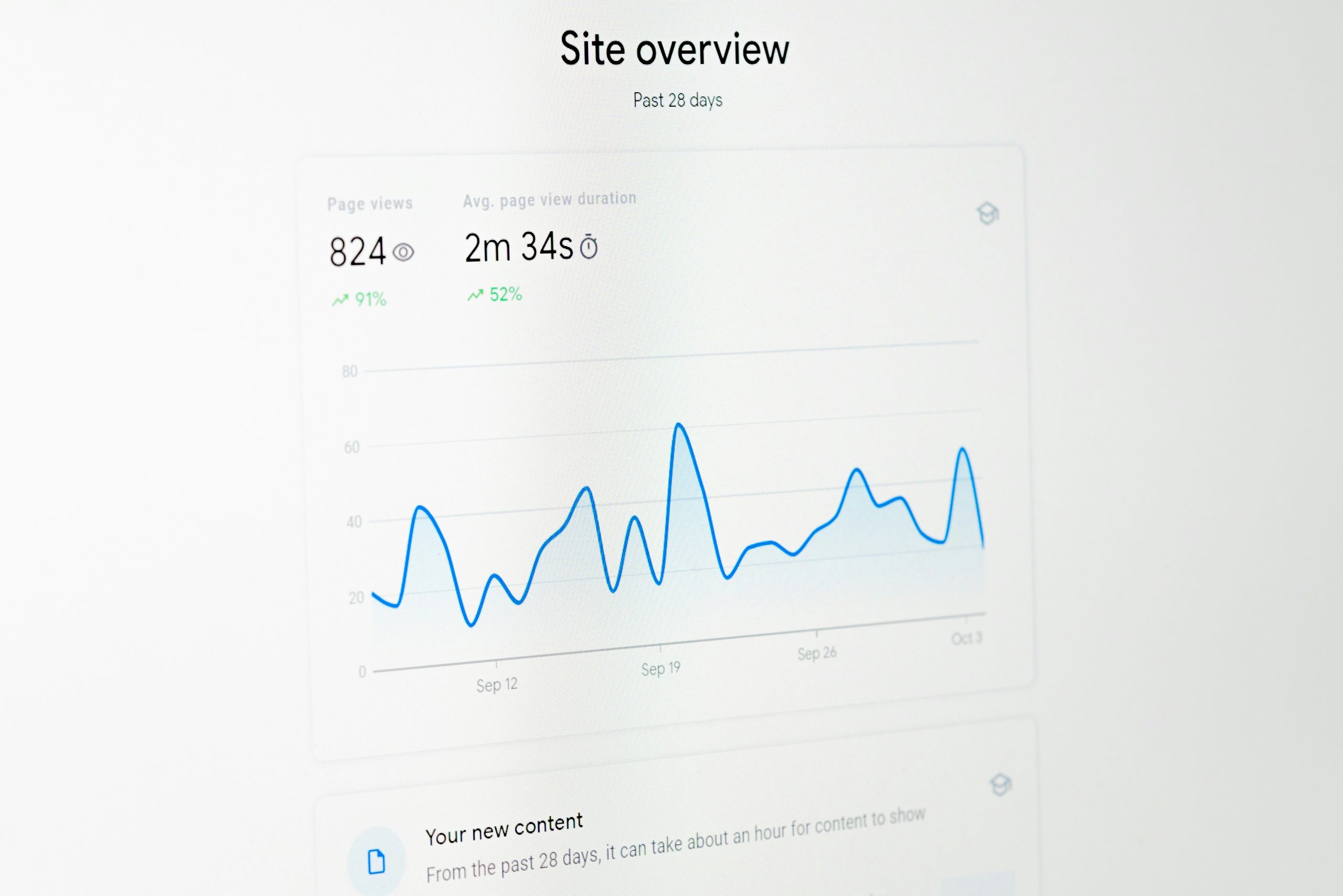
Scaling output only works if video quality and viewer retention stay high. Run your batch production system for two weeks (producing roughly 30 videos) and evaluate your performance data:
- Positive Signal (Scale Up): Your total published video volume doubles while average view duration, link clicks, and qualifying sales hold steady or increase. Keep refining your batch line.
- Negative Signal (Slow Down): Your video volume doubles, but view duration drops sharply and link clicks collapse. This indicates that editing became rushed or B-roll lost clarity. Immediately scale back output to 1 video per day and re-focus on visual demonstration quality.
Critical Amazon Associates Compliance Rules
When scaling video output, protect your Amazon Associates account by strictly adhering to program guidelines:
- Observe the 180-Day Rule: New Associate accounts must refer at least 3 qualifying sales from 3 separate checkouts within 180 days of registration to pass account verification.
- No Boosted Ads to Affiliate Links: Operating Agreement updates disqualify purchases referred through paid or boosted advertisements linking directly to Amazon tracking URLs.
- 180-Day Fulfillment Window: Referred customer orders must be shipped, delivered, and fully paid for within 180 days of the referral click to qualify for commissions.
- Exact Variant Tagging (Onsite): For Amazon Storefront video placements, commissions are awarded strictly on the exact product model and variant (color, size, style) featured in your video asset.
- Mandatory Affiliate Disclosures: Always include clear affiliate disclosures alongside offsite links:
- “As an Amazon Associate, I earn from qualifying purchases.”
Summary & Action Plan
Scaling your Amazon Associates business requires working smarter through systemized production. By batching B-roll filming, writing multiple hook angles per product, and editing with standardized CapCut workflows, you can build a high-volume affiliate content engine.
Your Batch Production Action Plan:
- Verify that you have published consistently for 30 days and identified at least one winning video format.
- Select 5 visual products from your home or test shortlist.
- Schedule a single 45-minute filming block to capture 5 vertical B-roll clips per product.
- Write 3 distinct hook variations for each product, creating 15 complete script blueprints.
- Record audio tracks, assemble in CapCut using auto-captions, and log your batch ID in your master tracker alongside proper disclosures.
